
A Facebook group created three weeks ago, twelve members (half of whom are close friends) and zero interaction on the latest post: we all know this frustrating start. Making your Facebook group known without an advertising budget requires targeted actions, not blind volume. Here are ten concrete tips, tested in the field, to accelerate the growth of a group without spending a dime.
1. Write a group description designed for Facebook search

Many administrators fill out the description hastily, with a generic phrase like “Welcome to our community.” The problem: the Facebook search bar works by keywords, and the description is one of the indexed fields.
We include the terms that our target audience would actually type: the name of the industry, the location if the group is local, the type of content shared. A description of five to six lines, rich in natural keywords, boosts the group in search suggestions without any recurring effort.
2. Link the group to an existing Facebook page

When you already manage a page with a few hundred followers, you can make your Facebook group known by linking it directly to that page. Every visitor to the page then sees a “Group” tab and receives a membership suggestion.
The page-group association creates a bridge between two audiences. Page followers who would never have searched for a group discover yours without you needing to promote it manually.
3. Use Admin Assist to reduce noise and maintain quality
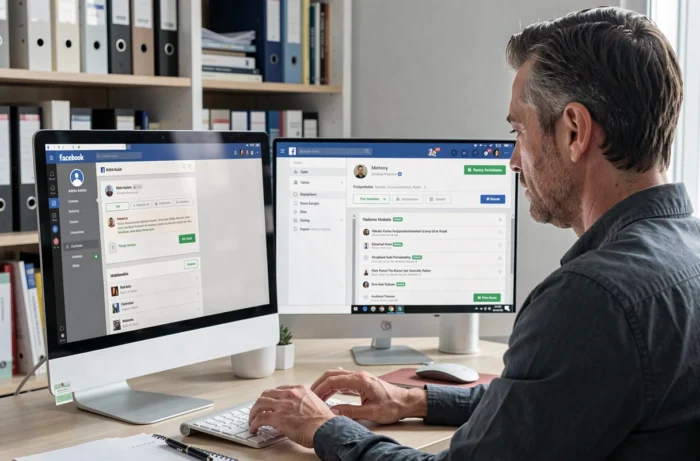
A rapidly growing group attracts spam, and spam drives away active members. Meta has enhanced the Admin Assist tool: it can now filter spam, reject suspicious membership requests, and limit the posting rate of newcomers.
Setting up these filters from the start frees up administrative time. This recovered time is reinvested in engagement rather than cleanup. A clean group instills confidence in visitors and increases the conversion rate of membership requests.
4. Post anchor content weekly at a fixed time

A regular appointment creates a habit. Choose a recurring format (question of the week, Monday feedback, Friday challenge) and post it always at the same time.
Consistency matters more than frequency. One post per week that generates twenty comments weighs more in the algorithm than five ignored posts. Facebook’s algorithm promotes groups whose posts spark conversations, not those that post in bursts.
5. Ask filtering membership questions
When a visitor requests to join the group, Facebook allows up to three questions. We use these to qualify incoming members: “What is your biggest challenge in [topic]?” or “How did you discover this group?”
These responses serve two functions. First, they filter out empty accounts or off-target profiles. Second, they provide content ideas. If twenty new members mention the same issue, we have our next high-value post.
6. Cross-promote in complementary groups

Join three or four groups that share the same audience without being direct competitors. The idea is not to spam a link, but to actively participate and then mention your group when relevant.
A concrete example: in a group dedicated to starting a business, respond to a question about community strategy by sharing a helpful tip, then mention that the topic is explored in our group. Cross-promotion works when it adds value before asking for anything.
7. Leverage Facebook Reels to capture an outside audience

Reels enjoy significantly higher organic reach than regular posts. Create a short Reel (thirty to sixty seconds) on a topic related to the group, then add a call to join the community in the description.
The Reel reaches users who are not yet familiar with the group. Feedback on this point varies by niche, but in practical topics (DIY, cooking, management), the short video format remains the best free lever to generate membership requests.
8. Launch a Facebook event related to the group
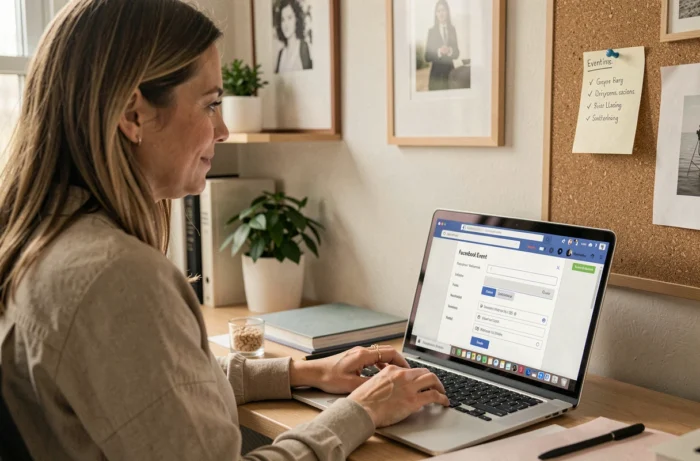
A live or online event creates a spike in visibility. Facebook notifies group members, as well as their friends interested in the topic. We schedule a free event (a Q&A session, a live workshop) and announce it a week in advance.
The event serves as an entry point: non-member participants receive a suggestion to join the group. After the event, we post a recap in the group to show newcomers what they have joined.
9. Add the group link in every existing contact point
We often forget the channels we are already using. Here’s where to place the group link without extra effort:
- Your professional email signature, seen by every recipient
- The bio of your other social networks (Instagram, LinkedIn, TikTok)
- The footer or sidebar of your website or blog
- The descriptions of YouTube videos if you have a channel
Every contact point becomes a passive acquisition channel. Once the link is placed, it works continuously without maintenance.
10. Abandon community chats in favor of Messenger Communities
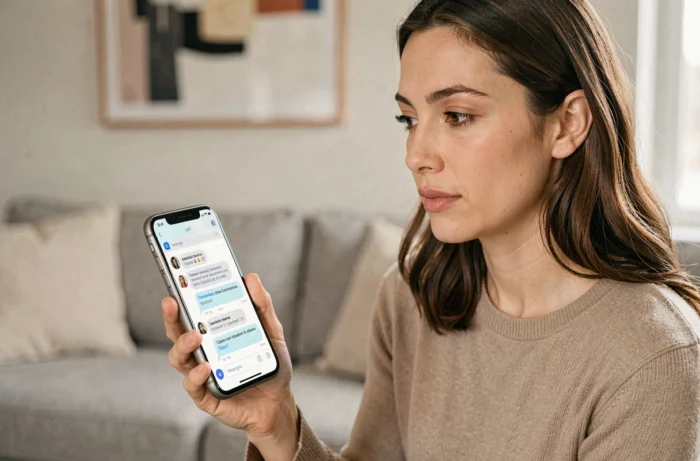
The community chats integrated into Facebook groups were removed in October 2025. Meta is now directing instant discussions towards Messenger Communities and WhatsApp Communities. Many administrators have not yet made the transition and are losing an engagement channel.
Creating a Messenger Communities space linked to the group allows for real-time exchanges. Members receive push notifications, which brings traffic back to the main group. Adapting your strategy to this evolution gives you a head start over groups still using outdated tools.
The growth of a Facebook group relies on precise actions repeated over time, not on a miracle trick. Setting up Admin Assist, linking the group to a page, posting regularly, and migrating to Messenger Communities already cover the essentials of the work. The rest is taken care of by the quality of the conversations.